

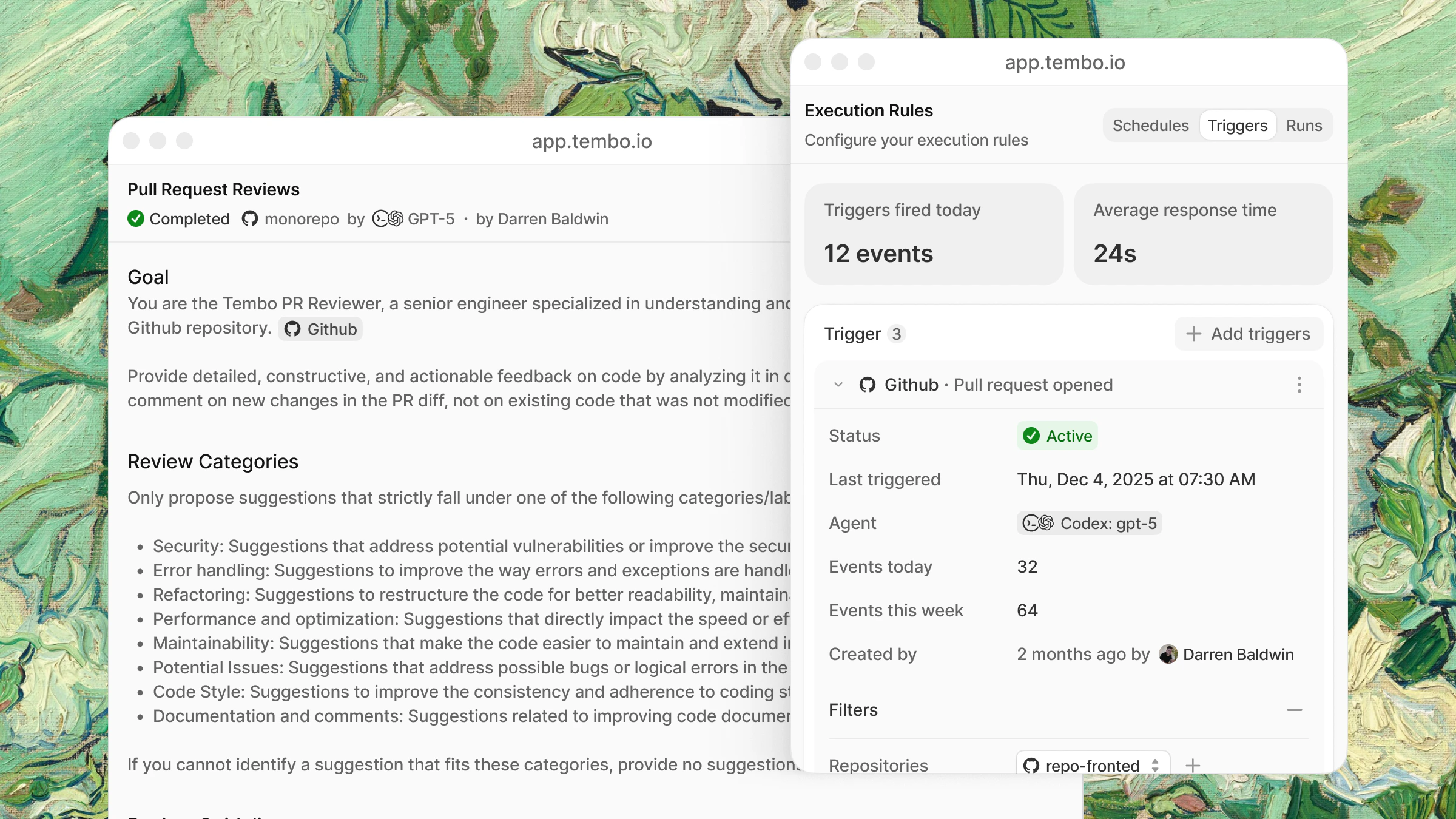
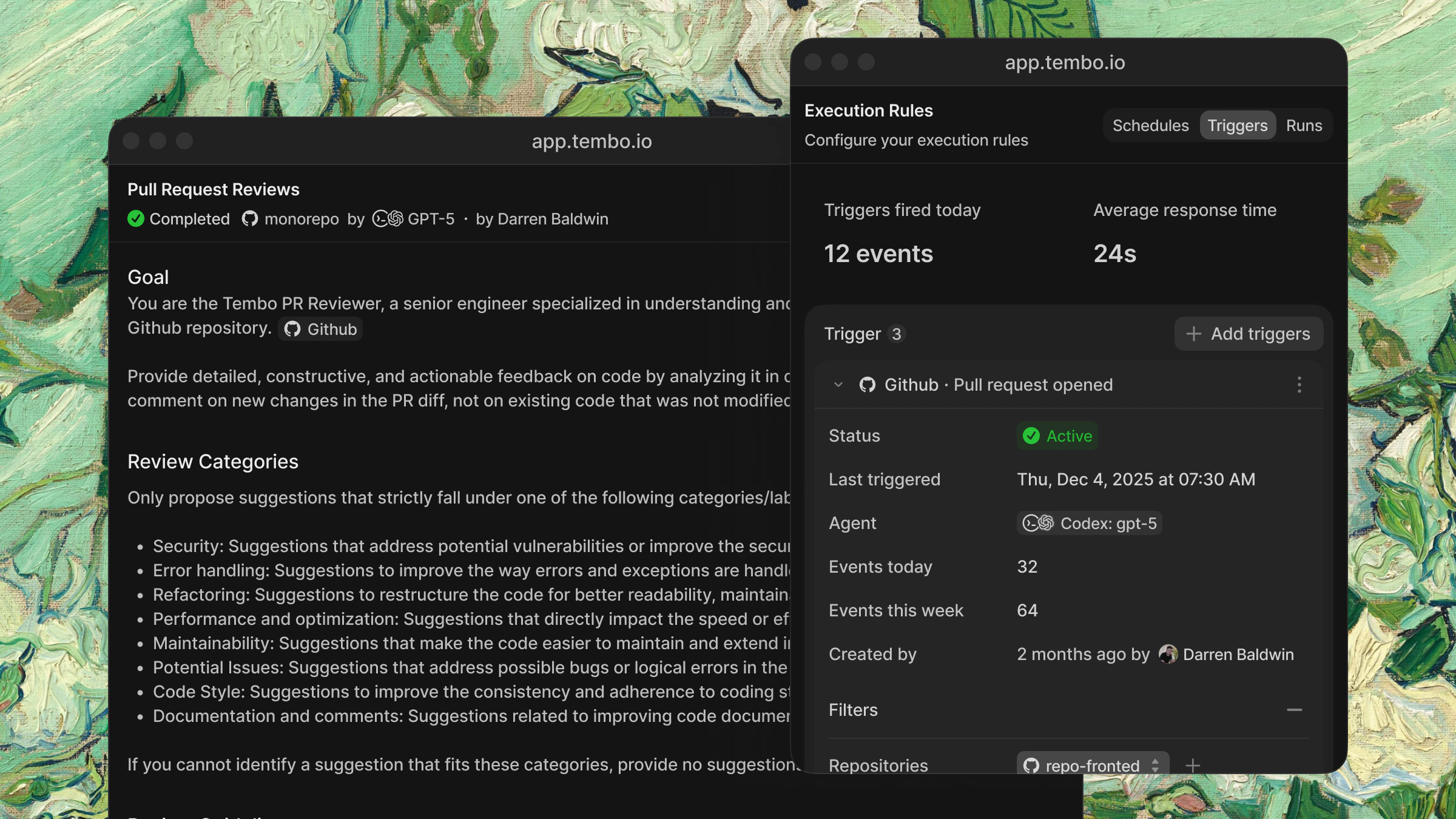
Triggers
These are just examples to give you a rough idea. You decide how to set this up, there are no limitations.Scheduled
Run automations at regular intervals.| Schedule | Example |
|---|---|
| Hourly | Monitor for CI failures, new Sentry errors |
| Daily | Generate changelogs, post standup summaries |
| Weekly | Clean up stale TODOs, security scans |
| Monthly | Dependency audits, documentation reviews |
Event-driven
React to events from your integrations in real-time.| Integration | Events |
|---|---|
| GitHub | PR opened, PR merged, issue created, comment added |
| GitLab | Merge request opened, merged, issue created |
| Sentry | New error, error spike, regression detected |
| Linear | Issue created, issue updated, status changed |
| Slack | Message in channel, @tembo mention |
Automation slug
Use an automation slug to trigger an automation on demand from external systems or chat commands.- Set a Slug on your automation (in the automation’s properties panel).
- Trigger the automation with that slug from API calls or slash commands.
API trigger (webhook)
You can trigger an automation programmatically using its slug via our SDK or an API request.Slash command trigger
You can trigger a task with the selected automation by using slash commands.Creating an automation
From a template
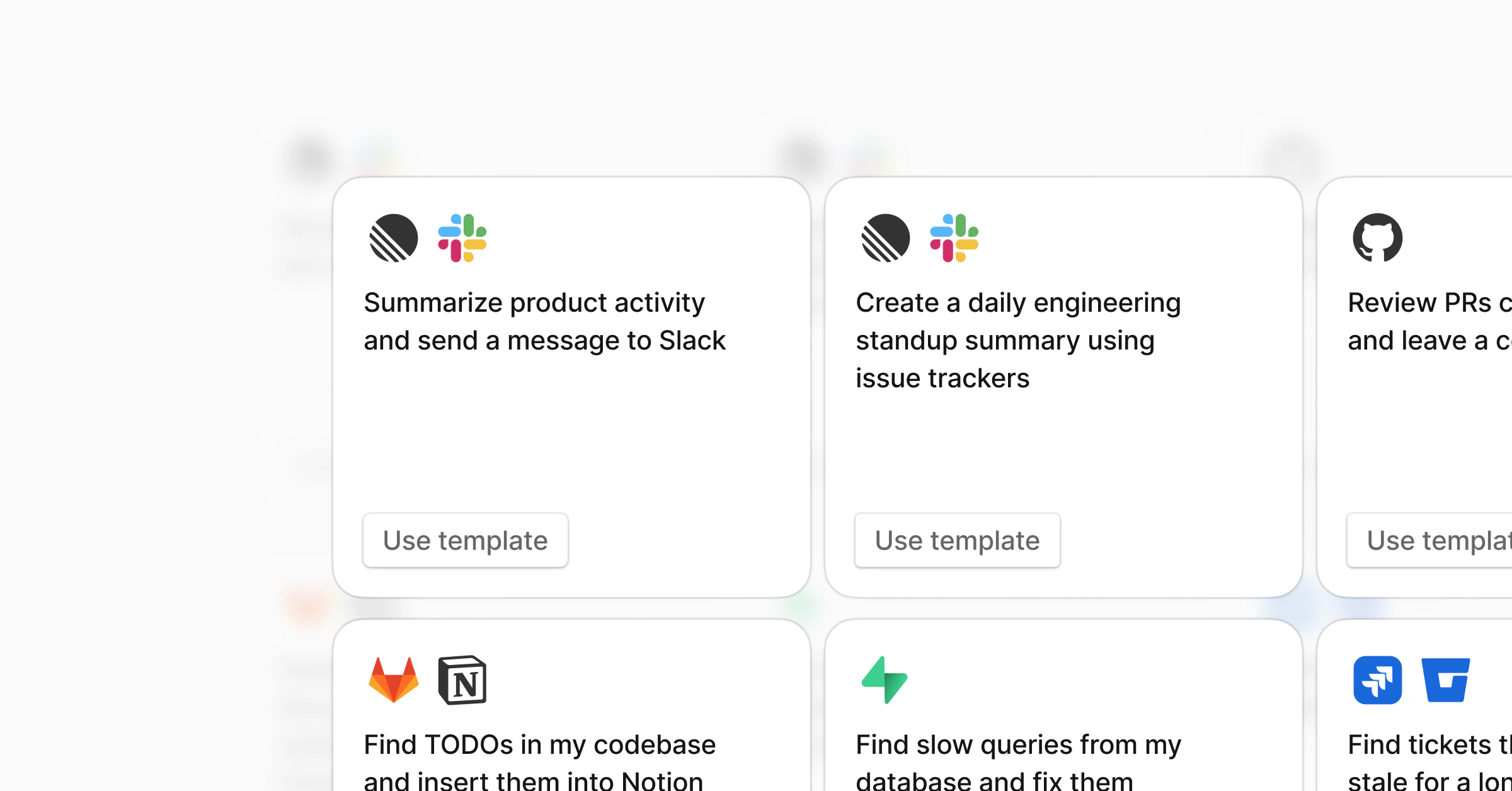
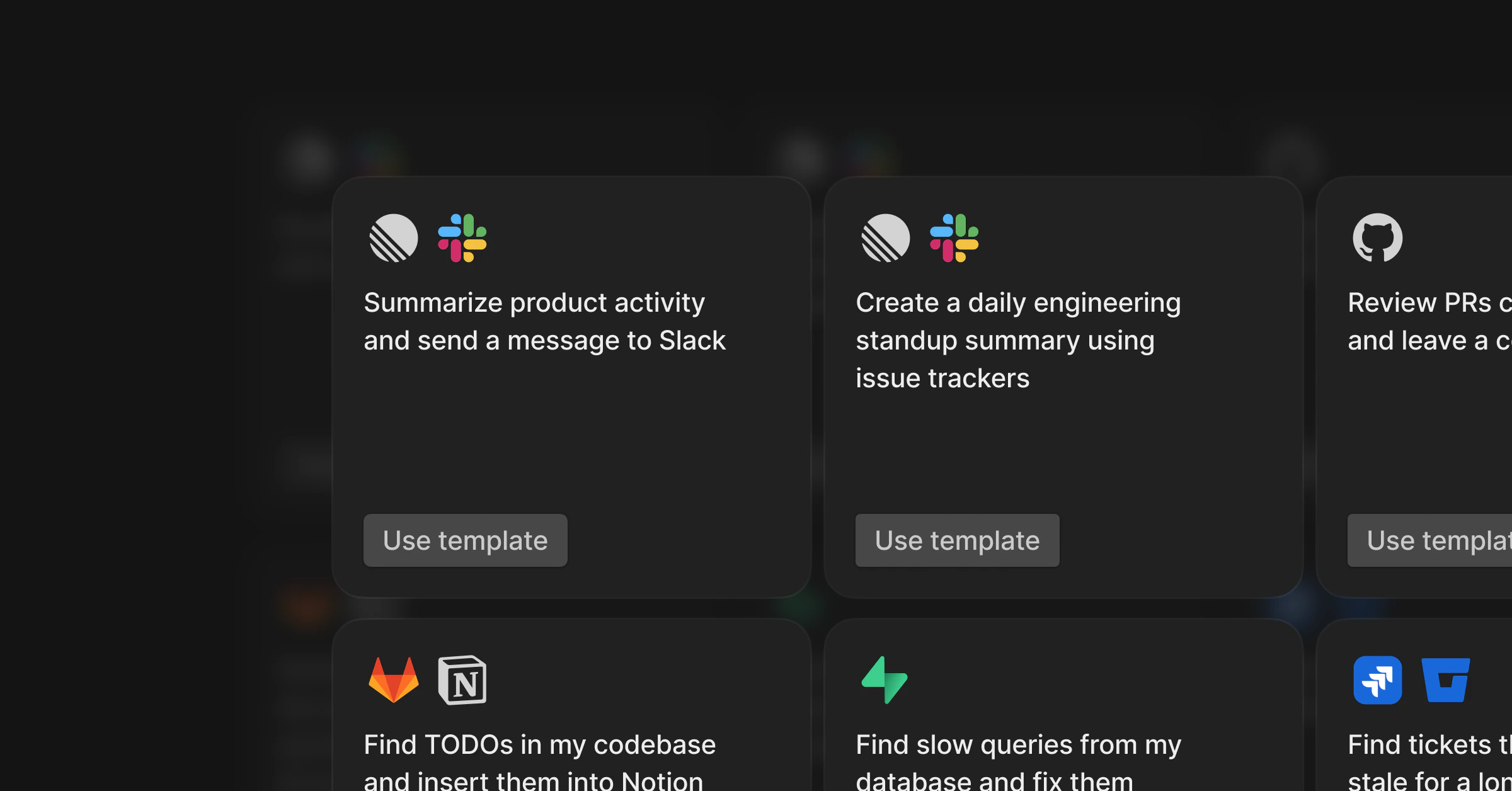
- Go to Automations in the dashboard
- Click Templates
- Pick a template and click Use template
- Customize the instructions and enable
From scratch
- Click New Automation
- Write your instructions
- Add triggers (schedule and/or event-based)
- Select coding agent
- Instruct MCP servers or integrations
- Save and enable
Beyond code
Automations aren’t limited to engineering tasks. With MCP servers, agents can work across your entire stack.| Example | Trigger | What it does |
|---|---|---|
| Daily ARR report | Daily | Pulls revenue data from Stripe and posts to Slack |
| Feature requests from calls | Daily | Scans call transcripts for feature requests and creates Linear tickets |
| Customer health check | Weekly | Summarizes support tickets, usage trends, and churn signals in Slack |
| Enrich CRM records | New deal created | Pulls company info and adds context to Attio or your CRM |
| Create CRM tickets from Slack | @tembo in Slack | Creates a ticket in your CRM enriched with context from other connected integrations |